Lightness, everyday life and me: what turned out to be an ultra-thin tablet with PaperMatte technology
- Статьи
- Internet and technology
- Lightness, everyday life and me: what turned out to be an ultra-thin tablet with PaperMatte technology


Tablets have long ceased to be exclusively devices for watching videos and reading. Manufacturers are increasingly trying to turn them into a full—fledged working tool - with a keyboard, a stylus, and applications for documents and creativity. The new Huawei MatePad Air is built around this idea. "Izvestia" tested the device and found out how convenient it is to combine work, drawing and ordinary everyday tasks on it.
Lightness first of all
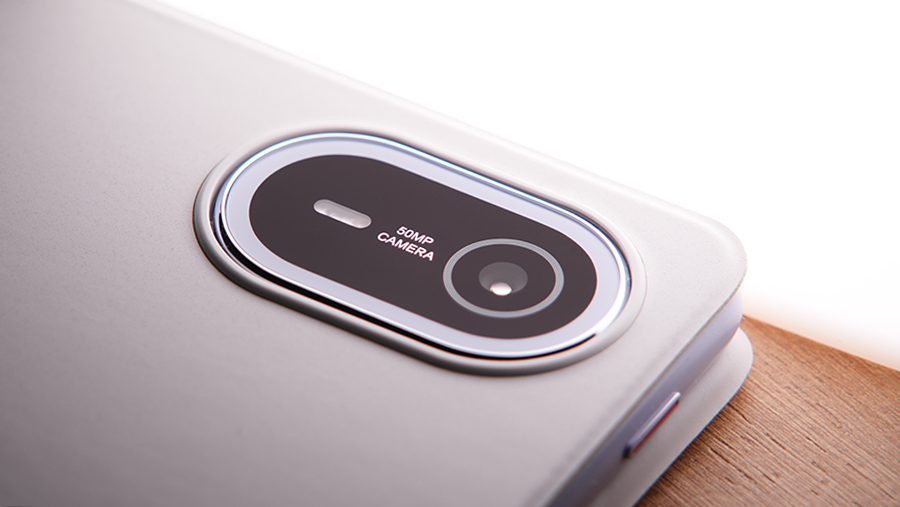
The first thing you pay attention to when you get acquainted with the MatePad Air is the size of the case. The tablet is 5.3 mm thick and weighs 509 g. For a 12-inch device, this means that you can easily carry it with you throughout the day and not perceive it as an additional heavy computer in your bag.
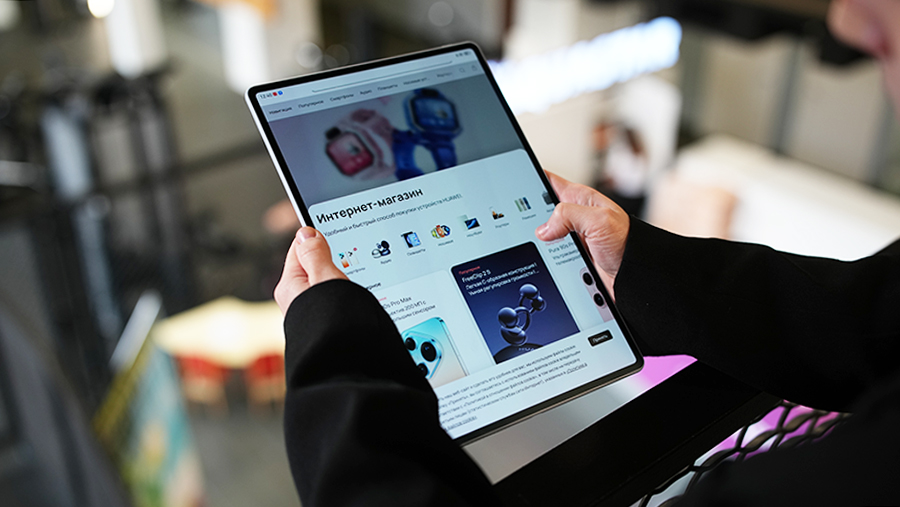
The slim case is not only a design decision here. Huawei has redesigned the back of the OLED display: the screen is mounted directly on the body without the traditional internal mount. Due to this, the manufacturer managed to free up space inside and reduce the weight of the device.
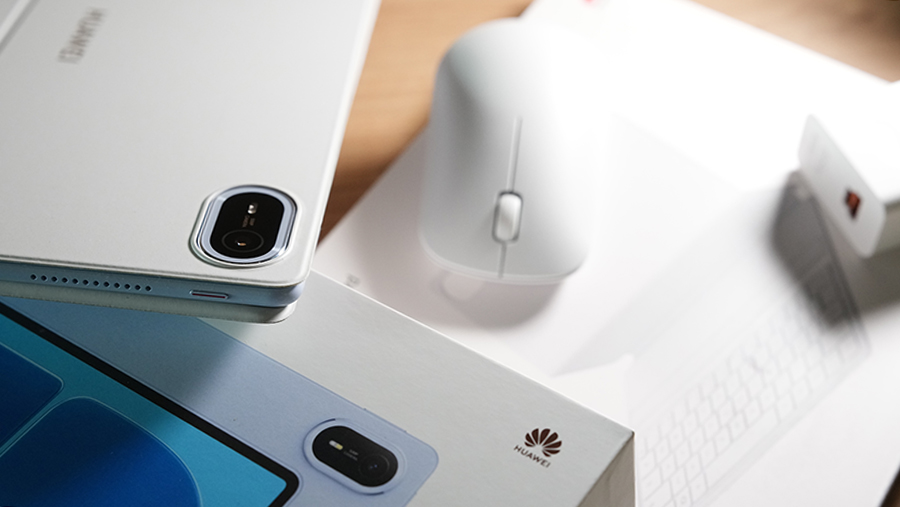
Externally, the MatePad Air looks minimalistic. There are three design options for the case — white, airy blue and "pink sakura". The latter received an electrophoretic coating, thanks to which the shade can visually change depending on the lighting and viewing angle.
At the same time, it is the combination of low weight and large diagonal that seems to be one of the most practical advantages of a tablet. The 12-inch screen already allows you to work comfortably with documents, but the device itself remains significantly more mobile than a regular laptop.
OLED with paper effect
The second key feature of the MatePad Air is the screen. It has a 12-inch OLED with a resolution of 2800 × 1840 pixels, a refresh rate of up to 144 Hz and a peak brightness of 1200 nits.
But something else is much more interesting — the matte PaperMatte coating. It is designed primarily for those who do not want to constantly struggle with reflections on the screen. The surface received a special microtexture created by the method of nanotaching.
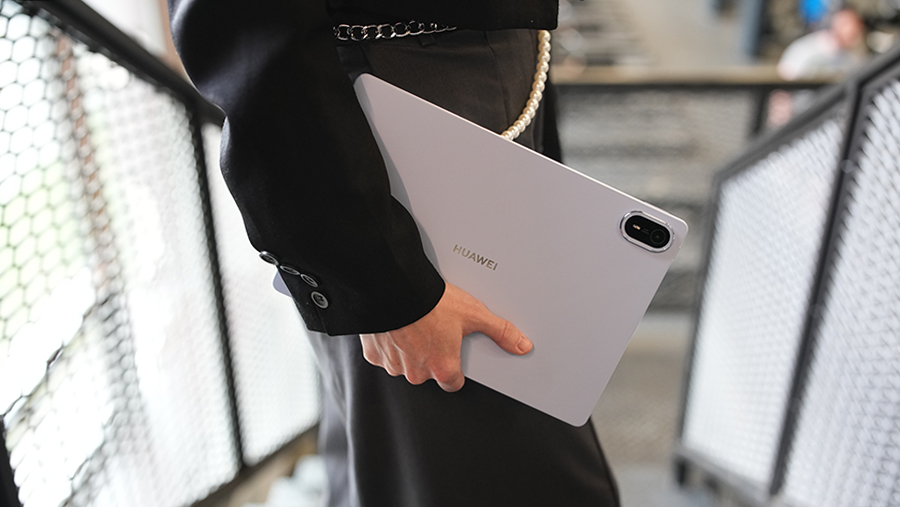
As a result, the display is visually and tactilely different from the usual glossy panel. This should be especially noticeable when working with a stylus: the surface resembles paper and does not create the feeling that the pen slides on the glass.
According to the manufacturer, the technology reduces glare by 50% compared to the Huawei MatePad 12X screen. This is a laboratory indicator of the company, so it is not worth taking it as a universal result in any conditions.
At the same time, the matte surface does not mean giving up the advantages of OLED. The 2.8K resolution provides high image density, the contrast ratio is stated at 2,000,000:1, and P3 support is focused, among other things, on working with visual content.
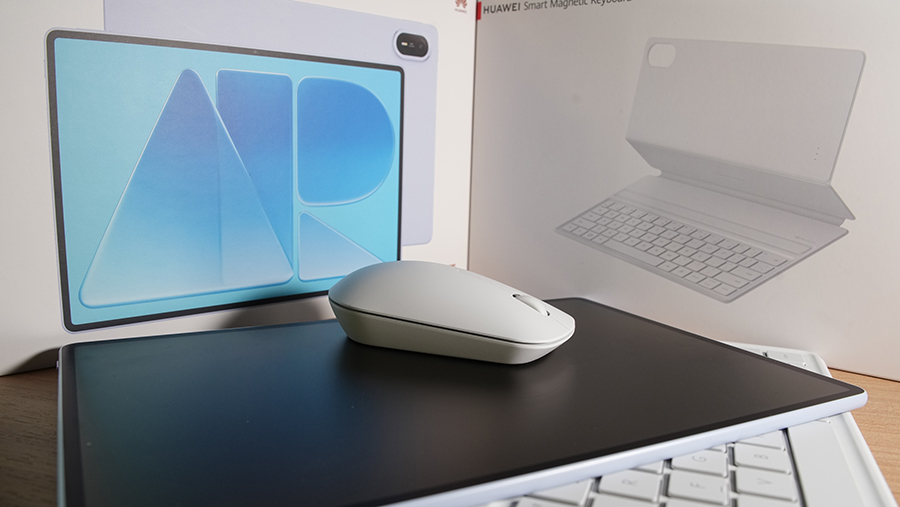
The refresh rate can be automatically adjusted in the range from 30 to 144 Hz. This allows the tablet to use the high frequency where it is really needed and reduce it in less demanding scenarios.
Is it possible to work without a laptop
The main question about such devices is always the same: is a tablet capable of replacing a computer, at least in terms of work tasks.
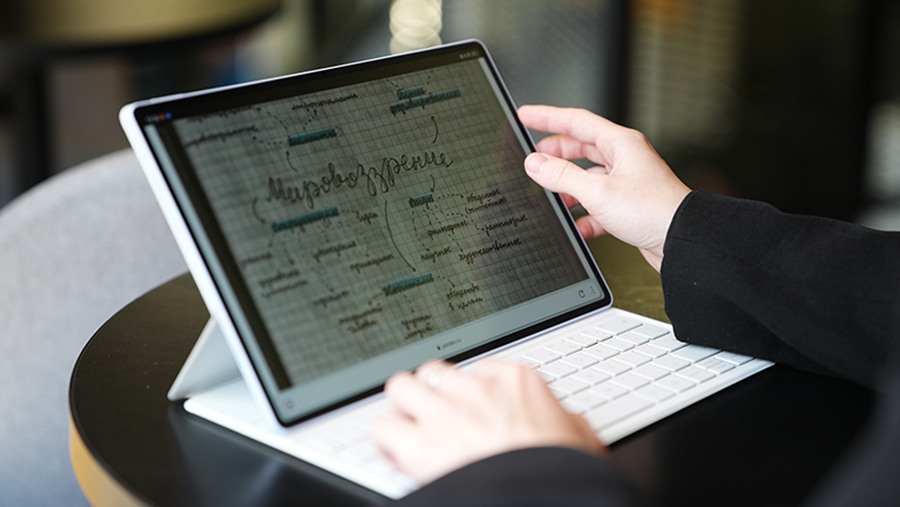
MatePad Air supports the computer version of WPS Office, which allows you to go beyond viewing documents: on a tablet, you can edit texts, work with tables and presentations, as well as open and annotate PDF files. At the same time, access rights to documents can be configured, for example, to allow colleagues only to view, edit, or comment, and the changes are synchronized between smartphone, tablet, and PC in real time. The "Notepad" application with the "Parsing with Alice" AI mode is also provided for notes, and GoPaint is used for working with graphics. As a result, the device closes several typical work scenarios at once: from preparing a document or presentation to quick notes, parsing materials, and even creating illustrations.
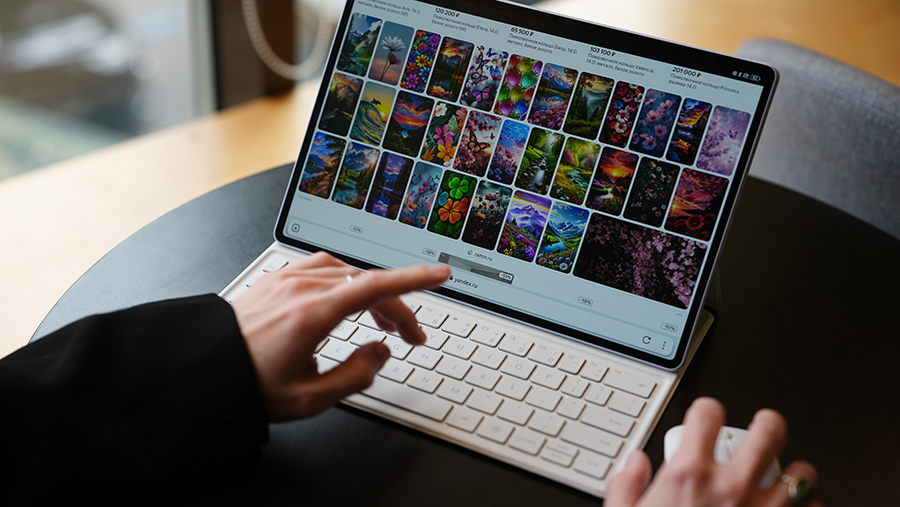
The nature of the device especially changes after the keyboard is connected. The smart magnetic keyboard weighs 308 g and connects to the tablet via NearLink. The manufacturer has provided two installation modes, and the key stroke is 1.5 mm.
In this format, the MatePad Air already looks much less like an enlarged smartphone. You can print documents, work with presentations on it, and take advantage of the touchscreen at the same time.
However, the tablet will not be able to completely replace the laptop in all scenarios. This is primarily a mobile device designed to work with adapted applications. If the user needs specialized desktop software, the tablet's capabilities may not be enough.
But for texts, presentations, notes, reading documents and working with cloud files, the concept looks quite logical.
The stylus turns the tablet into a workbook
Another scenario is content creation. Huawei offers the M-Pencil Pro stylus for it.
The accessory has compression and rotation gestures, as well as several pen options. The stylus supports more than 10 thousand levels of pressing intensity. In addition, it features a new mouse simulation feature that allows you to scroll through pages, video presentations, etc. by simply swiping on the stylus.
This is most interestingly revealed in the proprietary GoPaint application. There are more than 150 types of brushes available, tools for working with layers, animations and various drawing effects.
For example, the application allows you to automatically turn a sequence of layers into frames of frame-by-frame animation. There are tools that simulate the spreading of liquid paint, as well as special brushes to create a splash effect.
It turns out to be a rather specific, but understandable bundle.: PaperMatte is responsible for the feeling of the surface, M-Pencil Pro is responsible for the controls, and GoPaint is responsible for the tools. For an illustrator or designer, this may be more useful than the usual set of office applications.
At the same time, for professional work, a tablet still does not cancel out a specialized computer. Rather, MatePad Air is becoming a mobile graphics tool that is convenient to use where a laptop or desktop PC is redundant.
How long will the battery last
A battery with a capacity of 10-100 mAh is responsible for the autonomy. Huawei claims up to 16 hours of playback of uploaded HDR videos and about 10 hours when watching online videos.
These figures were obtained in the manufacturer's laboratory, so the actual operating time will depend on the brightness of the display, the refresh rate, the applications used and the network connection.
The tablet also has a 66W fast charge. According to Huawei, up to 42% of the charge can be replenished in 30 minutes, and a full charge takes about 85 minutes.
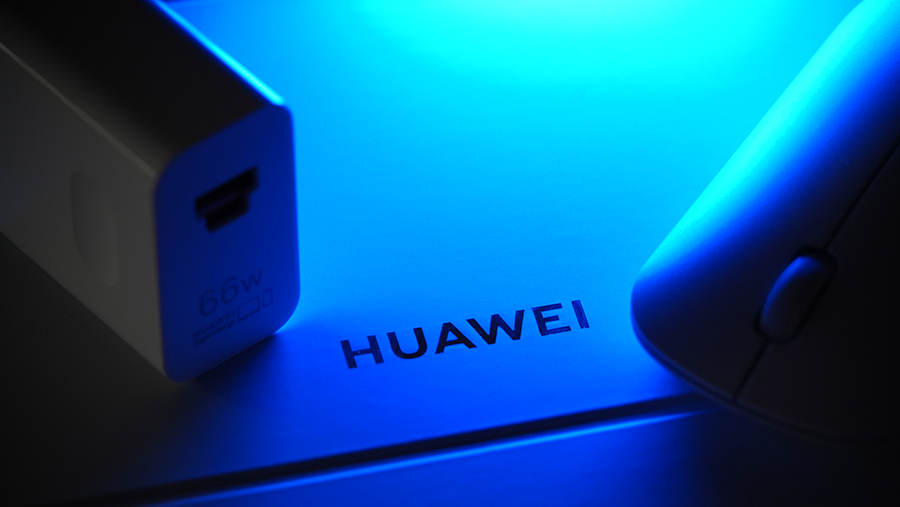
This is an important characteristic for a mobile work device: a large screen and high refresh rate potentially require a lot of energy, so the ability to quickly replenish the charge becomes part of the overall concept of mobility.
However, the MatePad Air has a number of compromise solutions. So, when trying to turn a tablet into a replacement for a laptop, it turns out that the branded keyboard lacks a touchpad — for long-term work with windows and documents, this may force you to connect a separate mouse.
Another nuance is related to the HarmonyOS installed inside: the device does not have native Google services and Google Play, so some of the usual Android applications will require additional configuration. Finally, Huawei is betting on mobility and work comfort rather than maximum performance: independent tests call the MatePad Air's performance sufficient for everyday tasks, but do not consider it one of the most powerful tablets in its class.
In the dry balance
Huawei MatePad Air gives the impression of a device that tries to solve two tasks at once. On the one hand, it's a lightweight 12-inch tablet for everyday use. On the other hand, it is a working tool that, when connecting a keyboard and a stylus, is able to close part of the scenarios of a laptop and a graphic tablet.
The main advantage of the model is not a single feature, but a combination of several solutions. With a weight of 509g, the user gets a large OLED screen with a high refresh rate, a matte PaperMatte surface, keyboard support and a professional stylus.
For office work, the most interesting combination is a tablet with a keyboard and WPS Office. This office application offers features generally similar to the usual Microsoft products (Word, Excel, etc.). For designers and illustrators — PaperMatte, M-Pencil Pro and GoPaint. And for those who primarily need mobility, a combination of a 5.3mm case and a 10-100 mAh battery can be useful.
At the same time, it is still impossible to call the MatePad Air a full-fledged replacement for a laptop: the tablet's capabilities still depend on the mobile ecosystem of applications. But as a universal device for working, taking notes, watching content, and creating, it looks much more convincing than classic tablets, which are primarily focused on information consumption. For connoisseurs of comfortable, ergonomic and lightweight gadgets, you can definitely take it without a doubt.
Переведено сервисом «Яндекс Переводчик»
